Line up the Moon with anything.
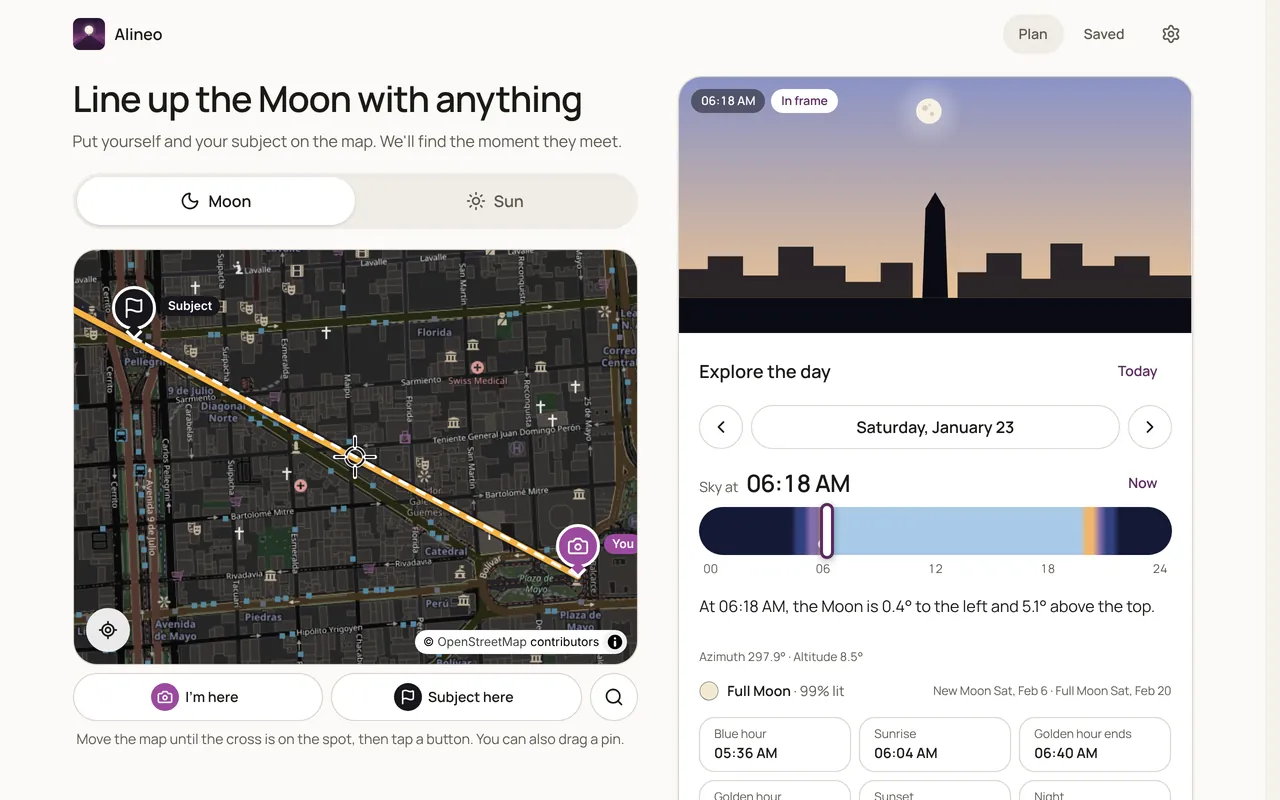
A photo planner for the Sun and the Moon. Put yourself and your subject on a map, and Alineo finds the exact day and minute the Sun or the Moon sits right where you want it, and how long it stays in frame.
- Free
- No account
- Works offline
- Any device
Three steps from idea to the shot
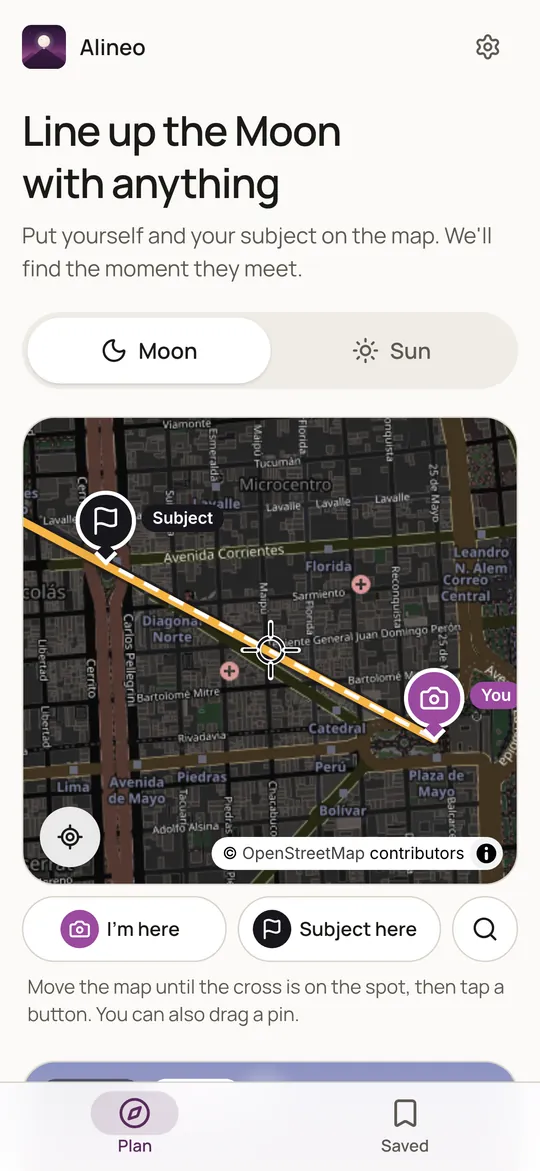
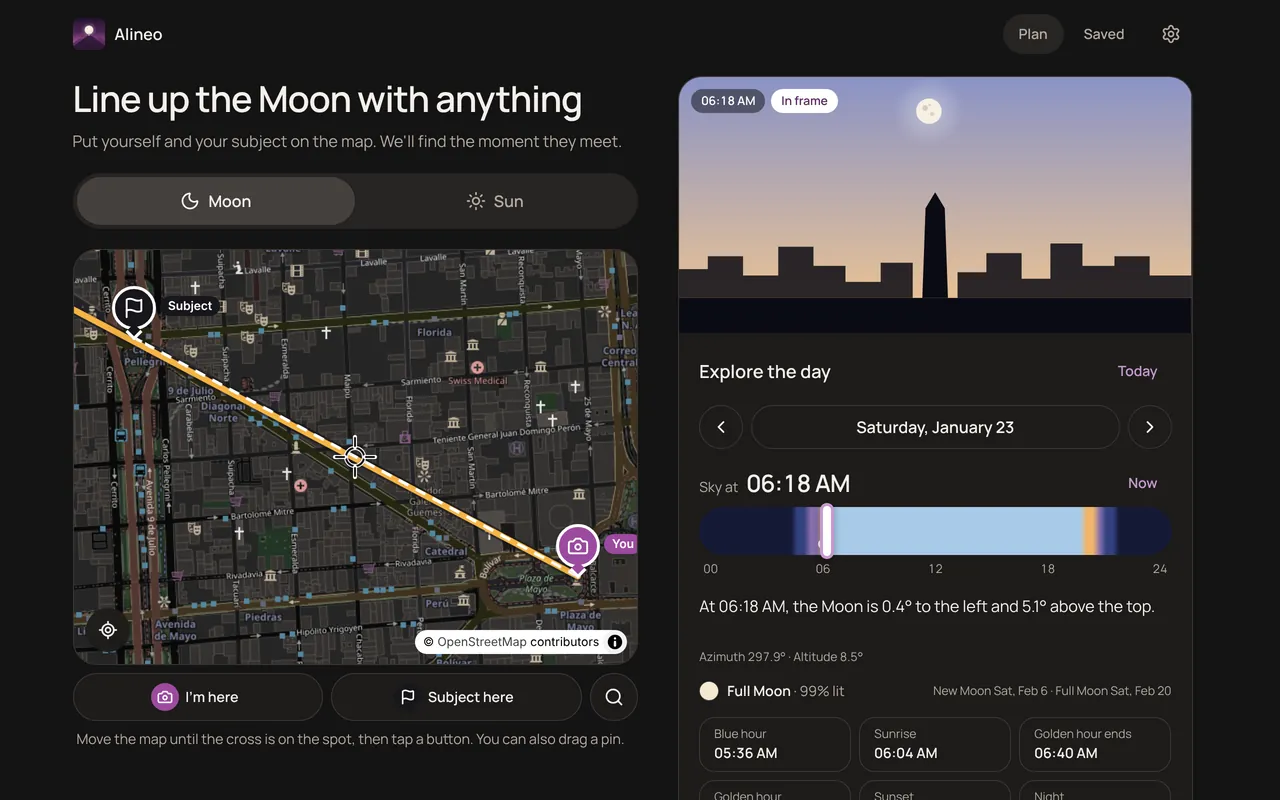
Mark where you will stand and what you want to shoot. Alineo works out the angles and the times.
-
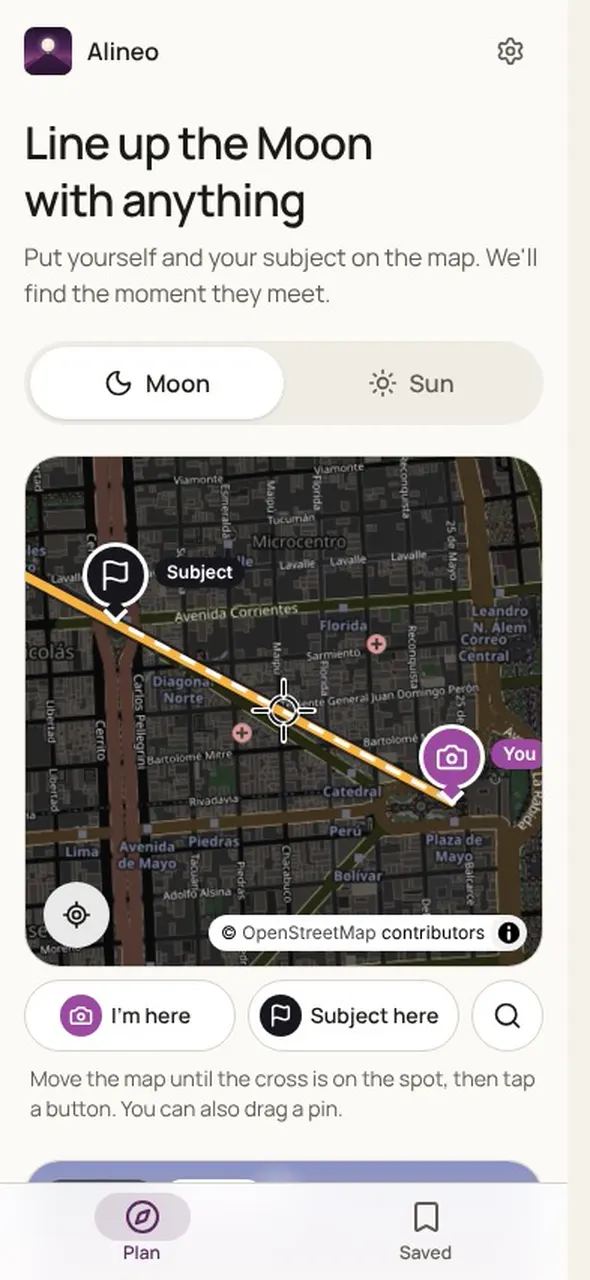
Mark the spot
Move the map until the cross sits where you will stand, then on your subject. Search any city, landmark or address, or drag the pins.
-
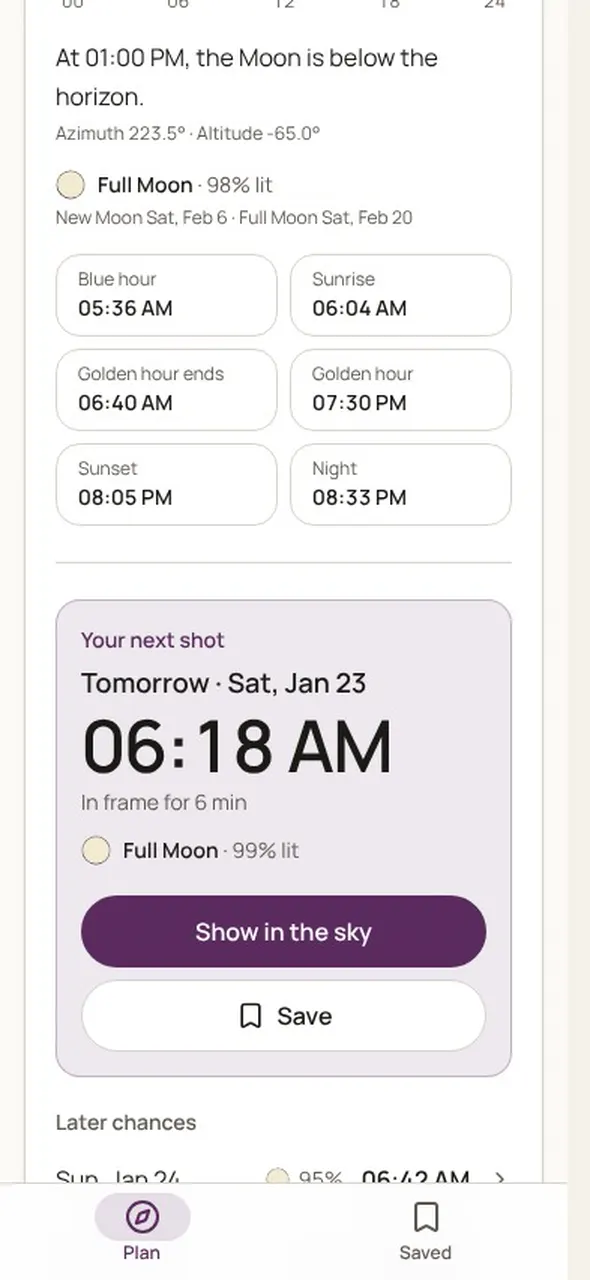
Get the moment
Alineo checks the sky every two minutes across the next 62 days and shows the answer in large type: the date, the time and how many minutes the shot lasts. Tap Show in the sky and the picture jumps to that moment.
-
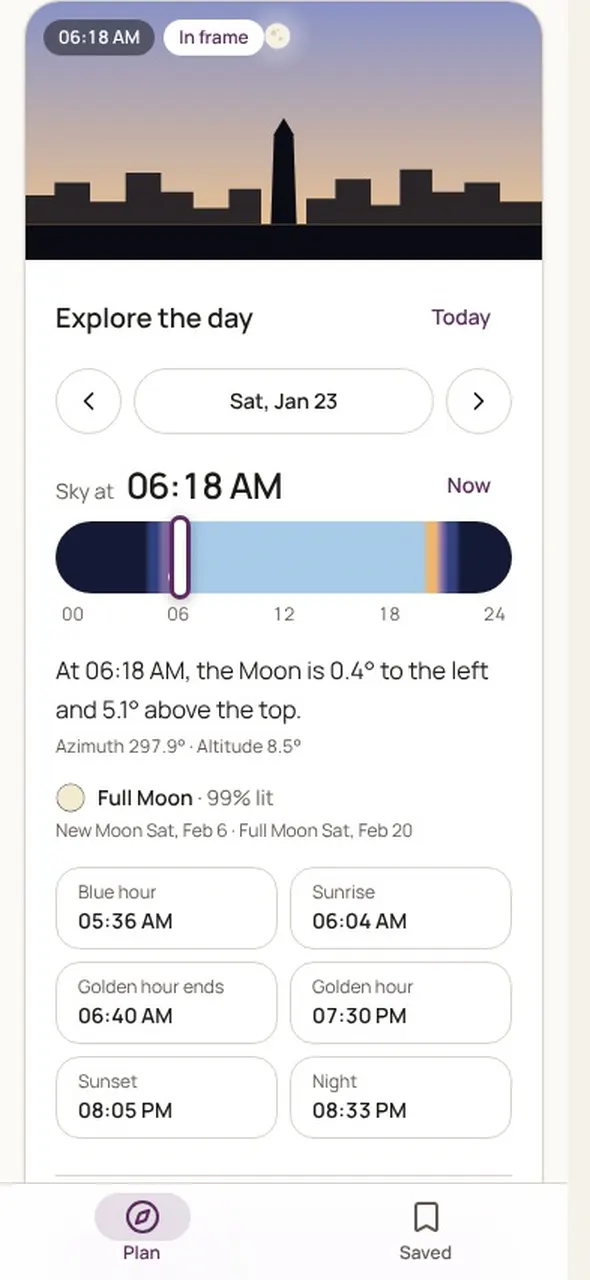
Explore the light
Drag through the day on a bar painted with its real light: night, blue hour, golden hour and day. Every match is marked on it.


What you can plan with it
-
Sun and Moon
Plan a moonrise behind a tower or a sunset through an arch. Both work the same way.
-
Place search
Jump to any city, landmark or address, then fine-tune the pins by hand.
-
Choose the framing
Have the Sun or Moon float above your subject or just touch its top, with exact, normal or relaxed precision.
-
Heights that count
Your camera height, the ground at each end and the subject's height all change the angle. A rough guess is enough.
-
Saved shots
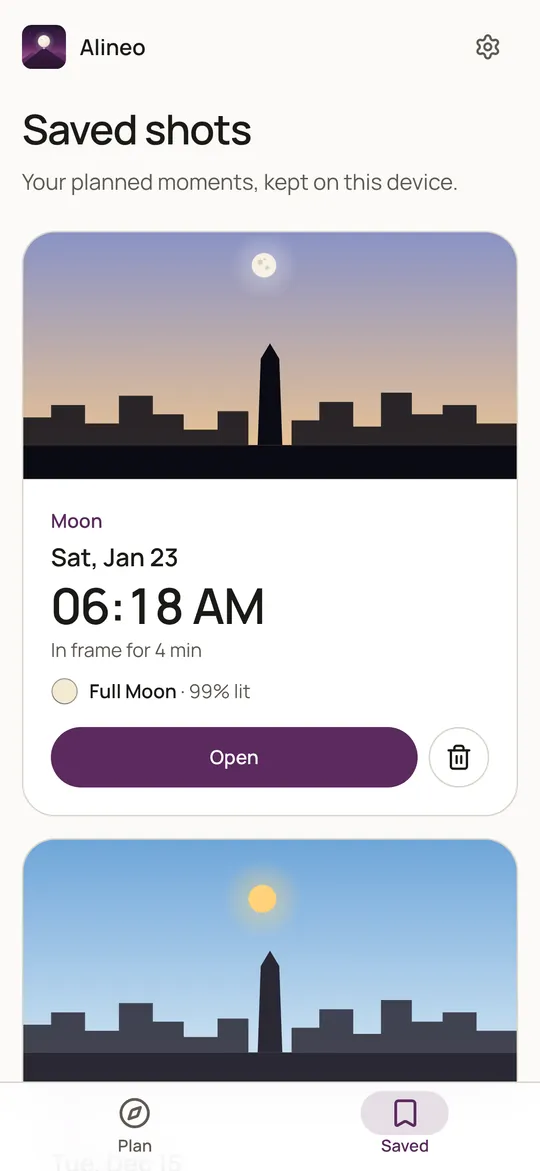
Keep a moment with its camera, subject and time. Open it later and the planner comes back exactly as it was.
-
Any time zone
Planning a trip? See every time in the destination's time zone, not yours.
A dark theme for the field, a light one for your desk
The dark theme keeps your eyes used to the night while you wait for the shot. The whole app is in English and Spanish.
Works offline, on any device
Alineo is a web app you can install. After the first visit, the planner, your saved shots and your settings open with no connection at all, so it keeps working where the signal gives up.
-
iPhone and iPad
In Safari, tap Share, then Add to Home Screen.
-
Android
In Chrome, tap Install app when it appears.
-
Mac, Windows and Linux
In Chrome or Edge, click the install icon in the address bar.
The map tiles need a connection to load. Everything else works offline.
Calculated for the exact spot where you stand
Alineo uses Astronomy Engine to place the Sun and the Moon as seen from your position, corrected for atmospheric refraction. Your plans stay on your device.
- between sky checks
- 2 min
- of search ahead
- 62 days
- default precision
- 0.5°
- accounts or trackers
- 0
The Moon rises somewhere tonight
Be standing in the right place when it does.
Open AlineoFree in your browser. Nothing to sign up for.